Usar junto con iCloud Private Relay
When you’re using iCloud Private Relay, the AdGuard DNS dashboard (and associated AdGuard test page) will show that you are not using AdGuard DNS on that device.
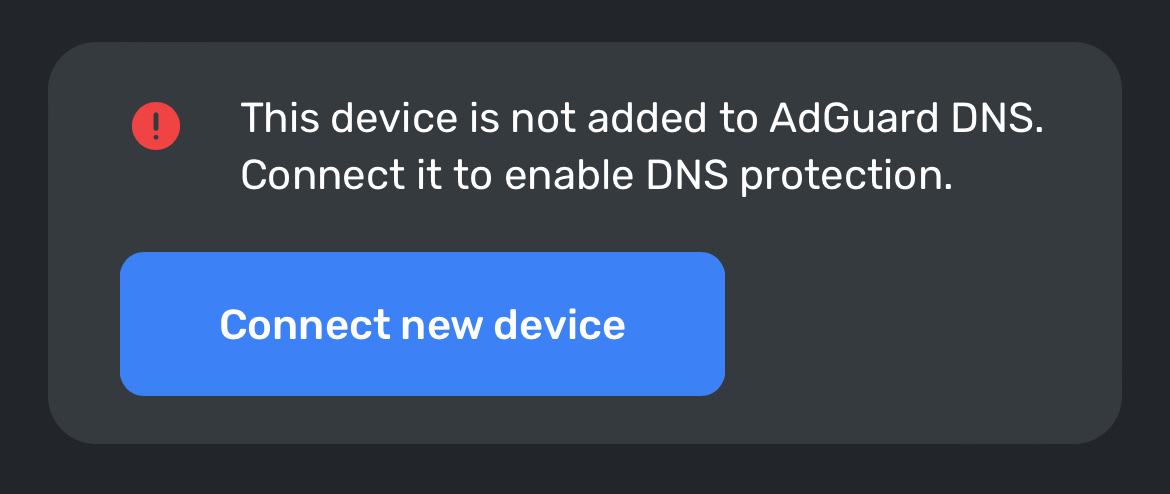
To fix this problem, you need to allow AdGuard websites see your IP address in your device’s settings.
-
En iPhone o iPad:
-
Ve a
adguard-dns.io -
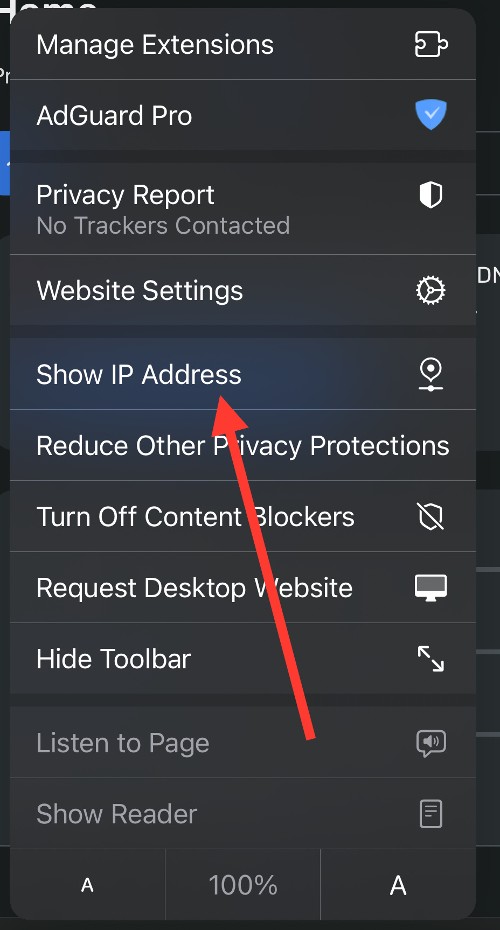
Toca el botón Configuración de página, luego toca Mostrar dirección IP
-
Repite para
adguard.com
-
-
En Mac:
-
Ve a
adguard-dns.io -
En Safari, elige Ver → Recargar y Mostrar dirección IP
-
Repite para
adguard.com
-
If you can’t see the option to temporarily allow a website to see your IP address, update your device to the latest version of iOS, iPadOS, or macOS, then try again.
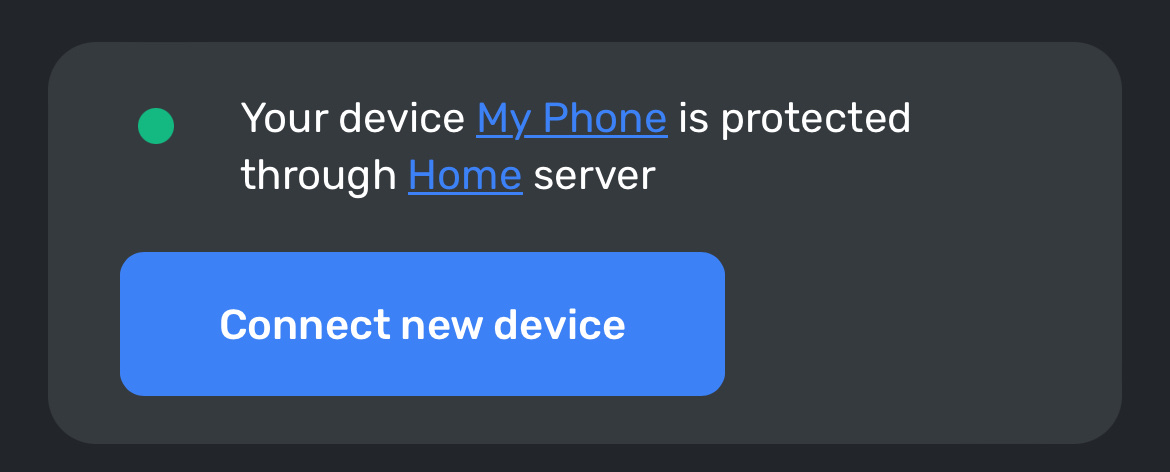
Ahora tu dispositivo debería mostrarse correctamente en el dashboard de AdGuard DNS:
Mind that once you turn off Private Relay for a specific website, your network provider will also be able to see which site you’re browsing.