User rules
What is it and why you need it
User rules are the same filtering rules as those used in common blocklists. You can customize website filtering to suit your needs by adding rules manually or importing them from a predefined list.
To make your filtering more flexible and better suited to your preferences, check out the rule syntax for AdGuard DNS filtering rules.
How to use
To set up user rules:
-
Navigate to the Dashboard.
-
Go to the Servers section.
-
Select the required server.
-
Click the User rules option.
-
You’ll find several options for adding user rules.
- The easiest way is to use the generator. To use it, click Add new rule → Enter the name of the domain you want to block or unblock → Click Add rule
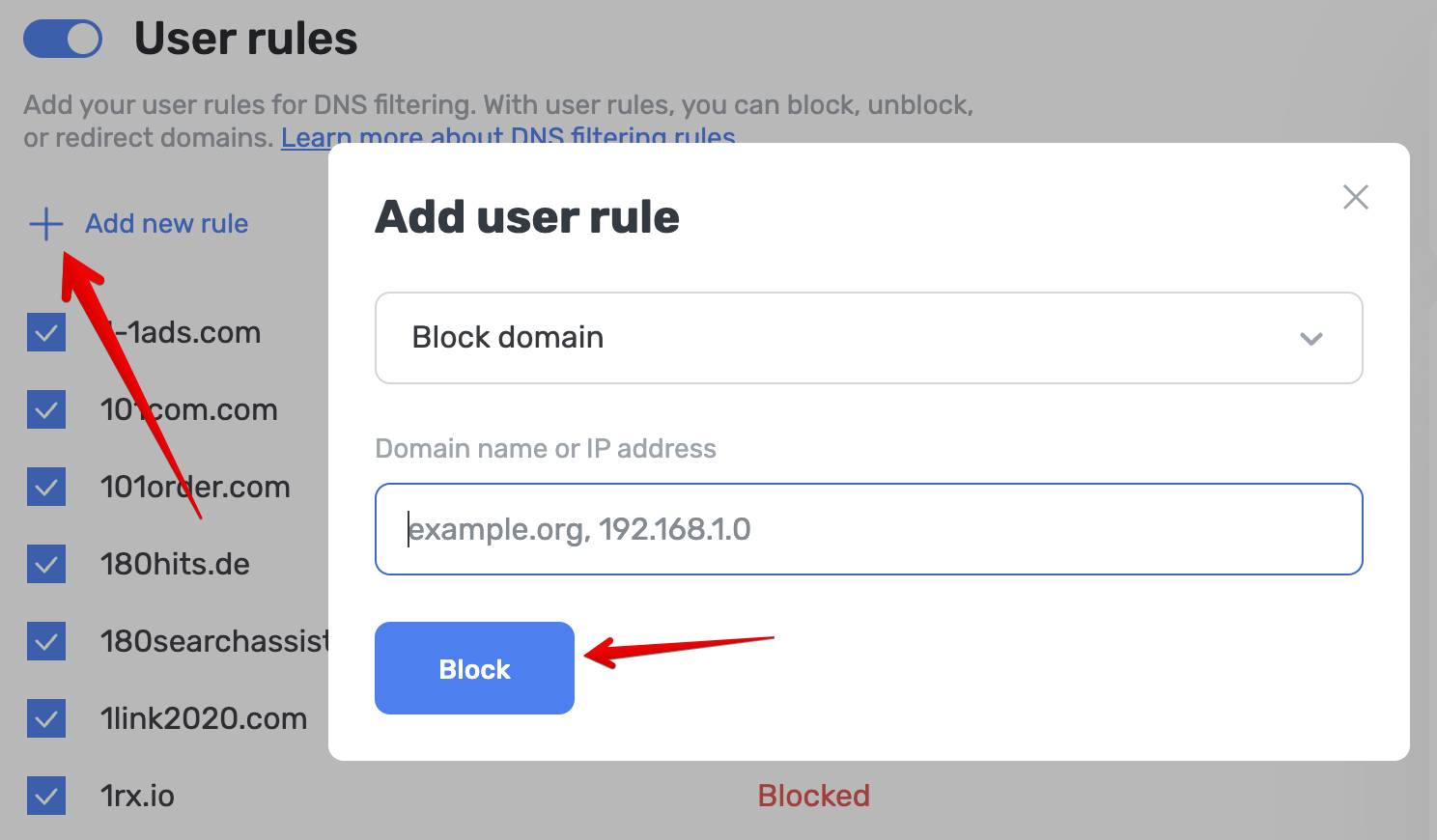
- The advanced way is to use the rule editor. Click Open editor and enter blocking rules according to syntax
- The easiest way is to use the generator. To use it, click Add new rule → Enter the name of the domain you want to block or unblock → Click Add rule
This feature allows you to redirect a query to another domain by replacing the contents of the DNS query.