Gelişmiş ayarlar
The Advanced settings section is intended for more experienced users and includes options that may be useful in specific networking, privacy, or troubleshooting scenarios. These settings allow you to fine-tune how your DNS server behaves, how devices connect to it, and how filtering is applied.
Access & connectivity
Kurulum kimliği
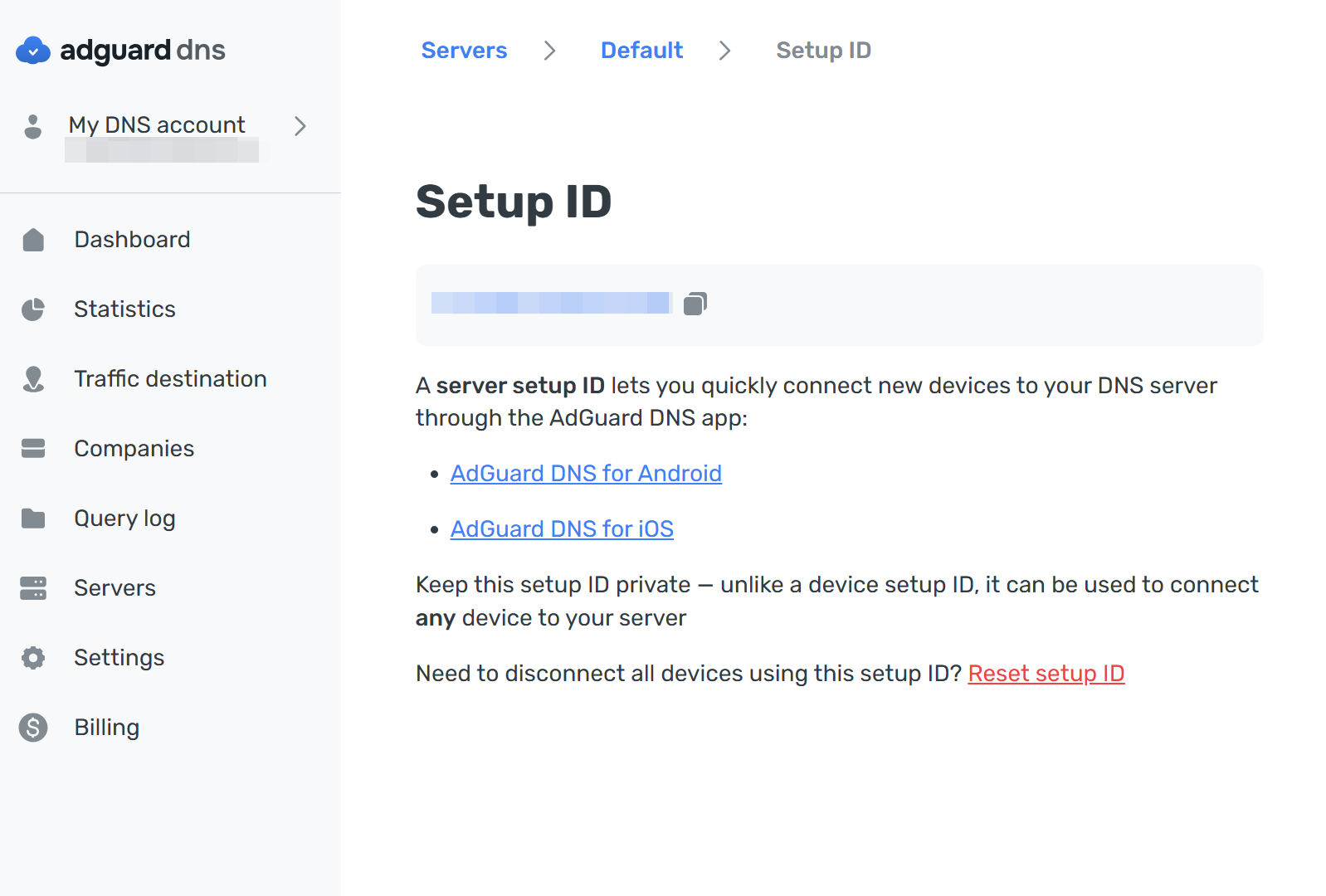
A server setup ID allows you to quickly connect devices to your DNS server through the AdGuard DNS app.
Unlike device-specific identifiers, this ID can be used to connect any device to the server, so it should be kept private. It is especially useful when onboarding multiple devices or simplifying setup for family members or teammates.
You can reset the setup ID at any time. Once reset, previously generated setup links will stop working.
Connect devices automatically
This feature allows devices to be automatically registered when they connect to your DNS server using a generated setup link.
The link contains the device name, device type, and server ID. When a device uses this link, it is automatically added to your DNS server without requiring manual configuration.
This simplifies device onboarding and is especially useful when connecting multiple devices at once.
Filtreleme davranışı
Respond to blocked domains
This setting defines how the DNS server responds when a domain is blocked.
Çeşitli yanıt türleri arasından seçim yapabilirsiniz:
- Default: Respond with zero IP address (0.0.0.0 for A; :: for AAAA) when blocked by Adblock-style rule; respond with the IP address specified in the rule when blocked by /etc/hosts-style rule
- REFUSED: Respond with REFUSED code
- NXDOMAIN: Respond with NXDOMAIN code
- Custom IP: Respond with a manually set IP address
Farklı yanıt türleri farklı senaryolarda faydalı olabilir. Örneğin, istekleri özel bir IP adresine yönlendirmek, erişimi tamamen engellemek yerine yerel bir engelleme sayfası görüntülemenizi sağlar.
TTL (Kullanım süresi)
TTL, bir istemci cihazının DNS sunucusuna yeniden istek göndermeden önce bir DNS yanıtını ne kadar süreyle önbelleğe alması gerektiğini belirtir.
Daha yüksek TTL değerleri, DNS isteklerinin sayısını azaltır ve önbelleğe alınmış yanıtlar daha uzun süre yeniden kullanıldığı için performansı artırabilir. However, changes to filtering rules or DNS records may take more time to propagate.
TTL değeri 0 olarak ayarlanırsa, yanıtlar önbelleğe alınmaz ve her istek doğrudan DNS sunucusuna gönderilir.
Koruma atlama
Block access to iCloud Private Relay
Bu ayar, iCloud Özel Geçişi kullanan cihazları engeller.
Özel Geçiş, yapılandırılmış DNS ayarlarını atlayabilir ve bunun yerine trafiği Apple’ın geçiş altyapısı üzerinden gönderebilir. Sonuç olarak, DNS filtreleme etkisiz hâle gelebilir.
Enable this option if you want to ensure that filtering rules are consistently applied to Apple devices.
Block Firefox canary domain
Firefox may automatically switch to its own DNS-over-HTTPS (DoH) resolver if it detects support for encrypted DNS.
This setting blocks Firefox’s canary domain, preventing the browser from enabling its own DoH resolver and bypassing your configured DNS server.
Enable this option if you want Firefox to always use AdGuard DNS filtering.
Force preflight mode for prefetching in Chrome
Chrome may preload resources using its prefetch proxy before users actually open a webpage.
In some cases, these prefetched requests may bypass DNS filtering. This setting forces Chrome to perform preflight checks, ensuring that filtering rules are applied to preloaded resources.
Enable this option if you want consistent DNS filtering behavior in Chrome, especially when prefetching is enabled.
Logging
Log IP addresses
By default, AdGuard DNS doesn’t log IP addresses of incoming DNS requests.
Etkinleştirildiğinde, IP adresleri günlüğe kaydedilir ve Sorgu günlüğünde görüntülenir. Bu, hata ayıklama veya analitik için faydalı olsa da, kullanım amacınıza bağlı olarak gizlilik açısından etkileri olabilir.