AdGuard DNS v2.18: A new tool for Parental control
AdGuard DNS v2.18, brings a significant improvement to Parental control. Previously, it could block specific domains or individual content types, but larger groups of services were harder to manage. In this update, we’ve introduced category-based service blocking — a new, more convenient way to control access to predefined groups.
Available categories
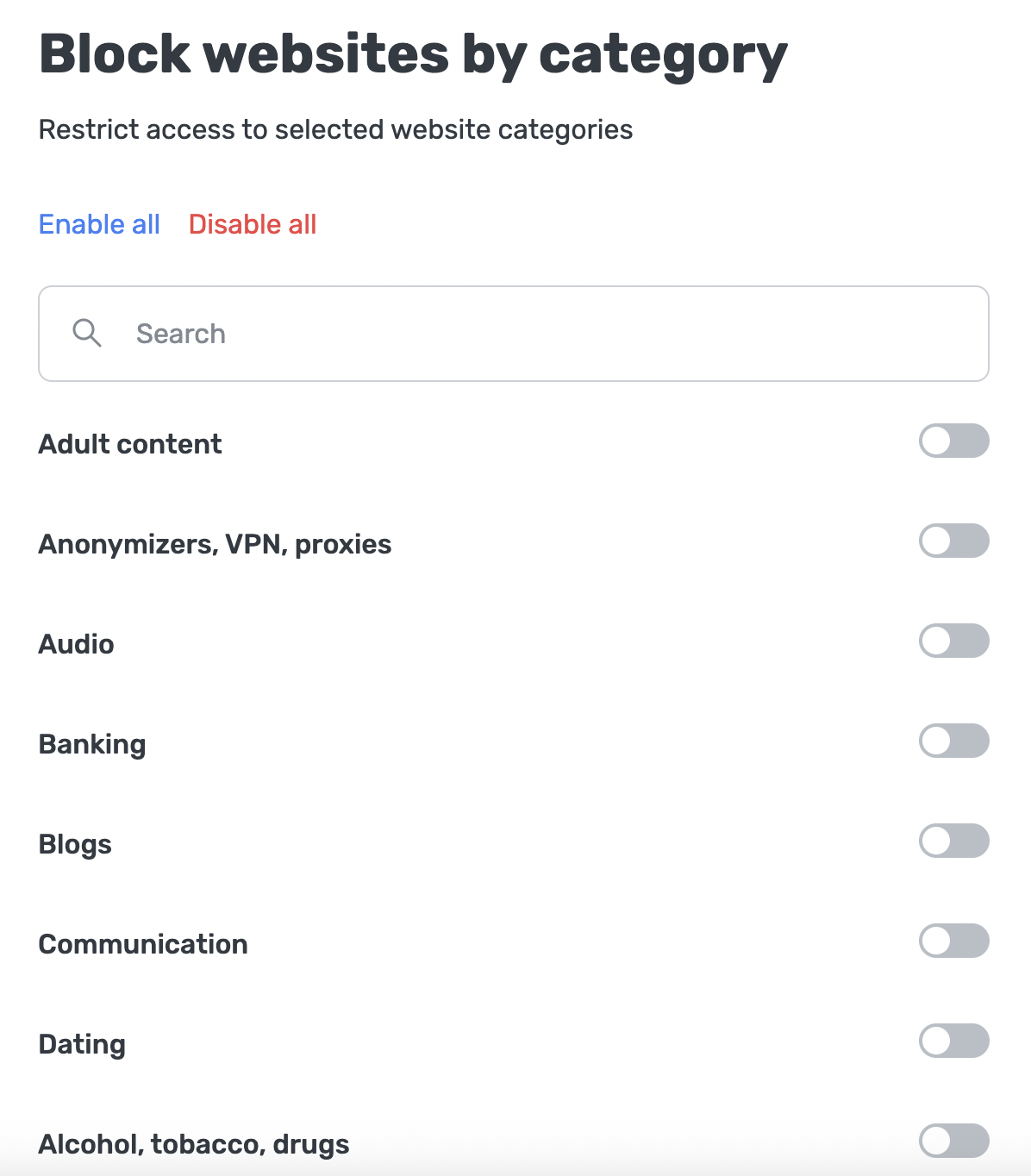
You can choose from more than 20 blocking categories, including:
- Adult content: Websites and services containing explicit material or other 18+ content.
- Games: Websites, platforms, and services related to online gaming, game downloads, gaming communities, and in-browser games.
- Banking: Online services of financial institutions, including banking portals, credit-card services, loan providers, and investment platforms.
- Communication: Platforms for messaging, calling, collaboration, or social interaction, such as messengers, video-conferencing tools, and forums.
And many others!
Why it’s useful
Overall, category-based filtering makes Parental control easier to configure, more flexible, and more effective for both home and business use.
Families can set up protection much more easily: instead of hunting for individual domains to block, parents can simply choose a category and be confident that related content is filtered automatically. It offers peace of mind, saves time, and helps maintain a safer online environment for children.
Corporate users gain similar advantages. Category-based blocking allows administrators to enforce company policies consistently. It simplifies setup, reduces maintenance efforts, and helps ensure compliance with organizational security or productivity guidelines.
How to use it
- On your Dashboard, go to Servers.
- Select the desired server and click Parental control.
- Go to Block websites by category.
- Search for the categories you want to block or select them directly from the list.
You’re ready to go!
Share your experience
We’ve added category-based blocking to give you more flexibility in managing AdGuard DNS. Try it out and let us know if it meets your needs and what would make it even better. Share your thoughts on GitHub or via social media.