Role-based access
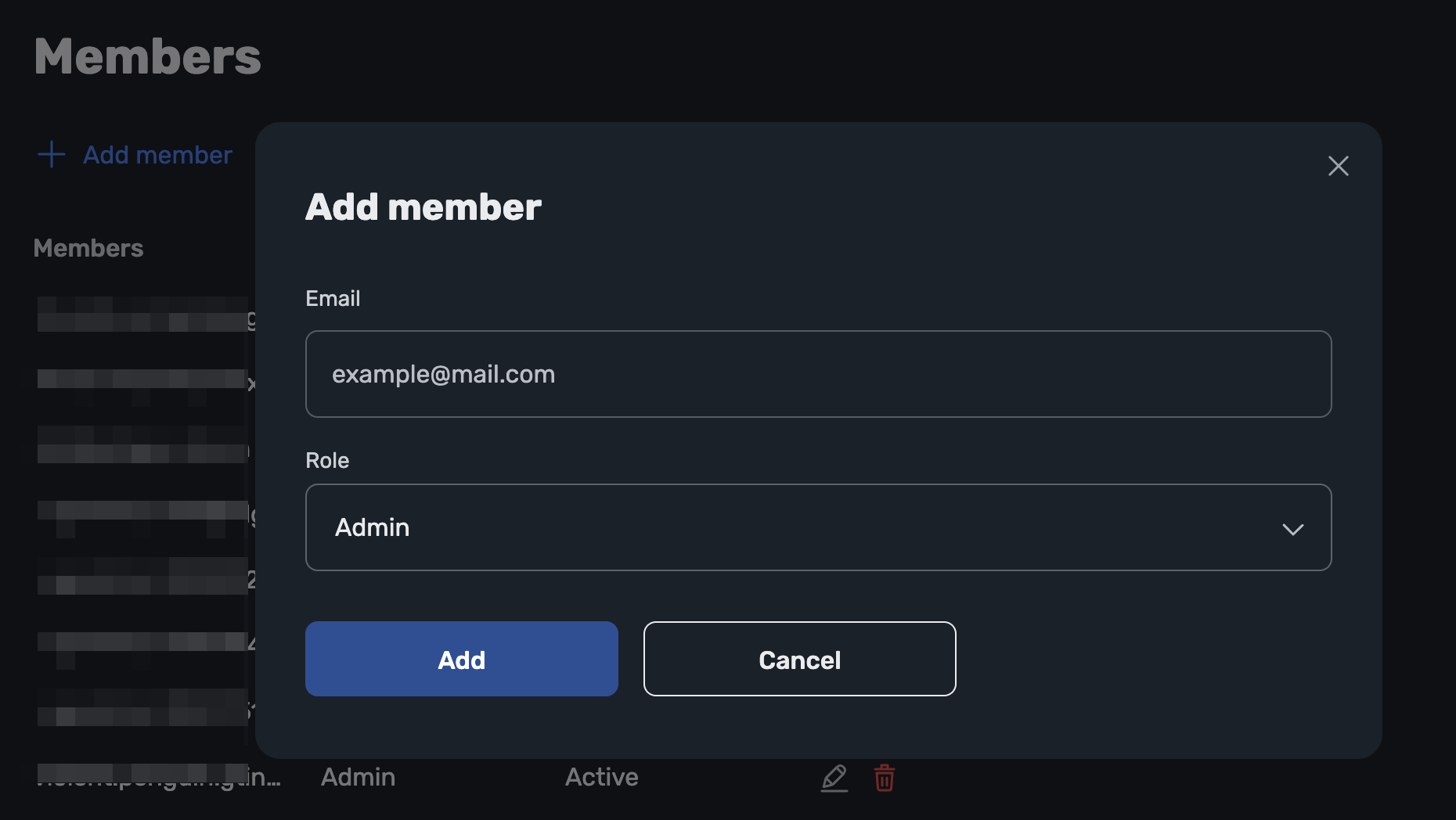
With role-based access, account owners can invite members with specific roles to manage DNS without sharing credentials. Each member logs in individually, ensuring a secure and efficient workflow in collaborative environments.
note
This feature is available for Business accounts with a Team or Enterprise subscription.
Types of members
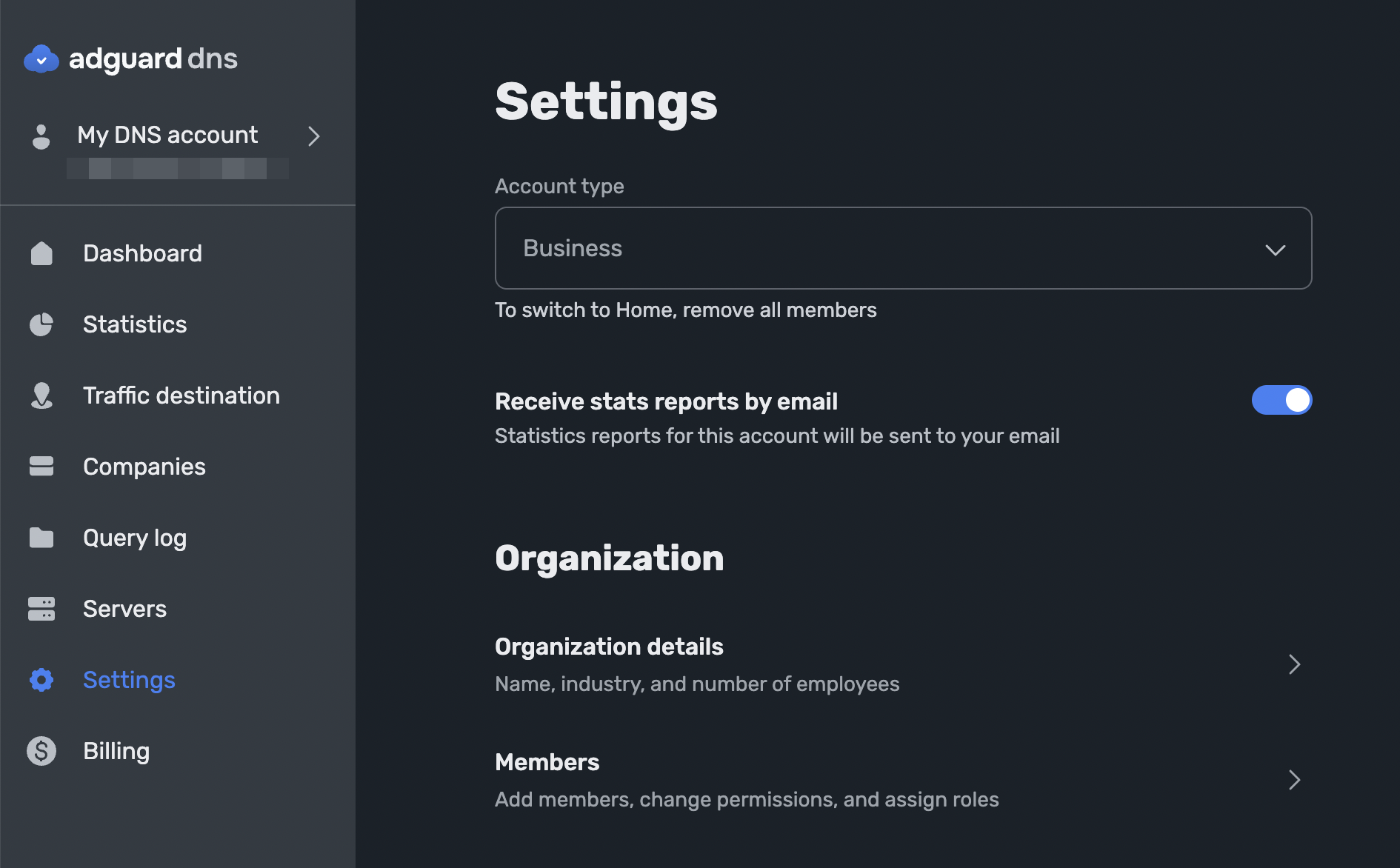
DNS accounts support three access levels. Ownership is fixed at registration, while admins and viewers are added through invitations. Roles can be updated or revoked at any time, and the number of members is virtually unlimited.
- Owner: the account holder with full access to all settings and billing
- Admin: a member who can modify DNS settings, manage devices, and invite other members. Best for system administrators or MSPs responsible for network filtering in organizations. With a single login, admins can manage several accounts and switch between them quickly
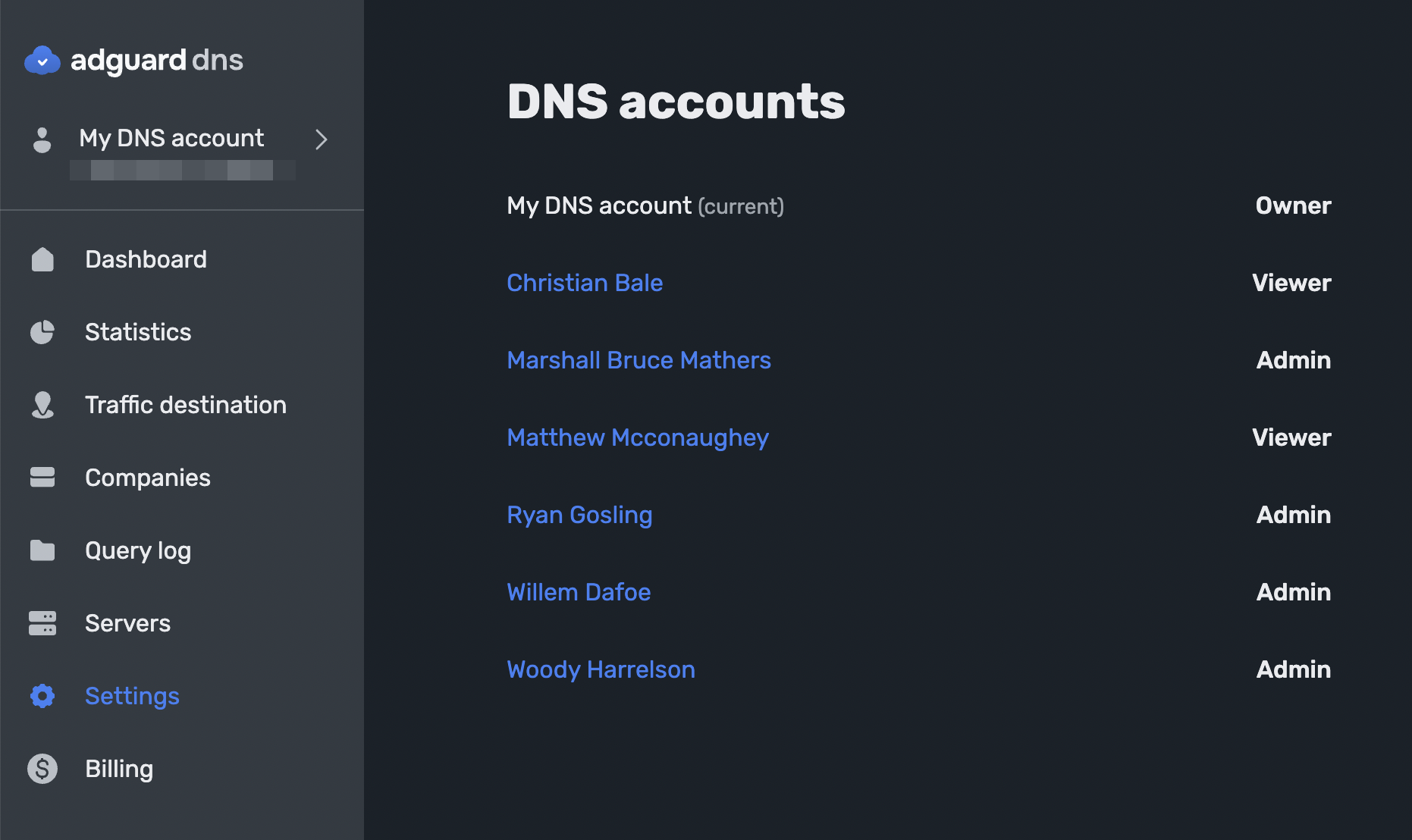
- Viewer: a member with read-only access. Can view settings and statistics but cannot make changes. Best for consultants or managers who monitor network activity and provide recommendations without modifying DNS settings
How to invite members