iCloud 비공개 릴레이와 동시에 사용하기
When you’re using iCloud Private Relay, the AdGuard DNS dashboard (and associated AdGuard test page) will show that you are not using AdGuard DNS on that device.
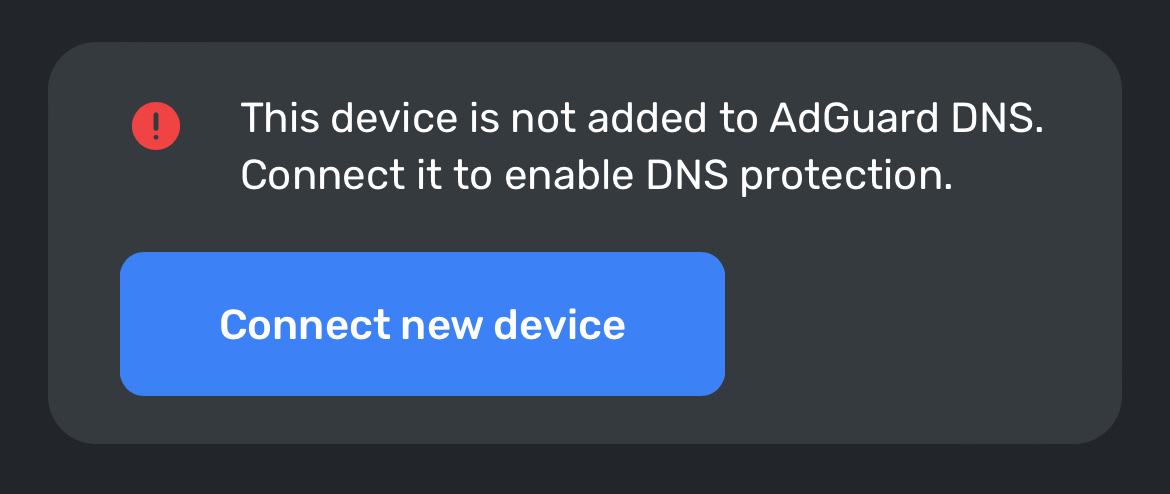
To fix this problem, you need to allow AdGuard websites see your IP address in your device’s settings.
iPhone 또는 iPad의 경우:
adguard-dns.io로 이동하세요.페이지 설정 버튼을 누른 다음 IP 주소 표시를 누르세요.
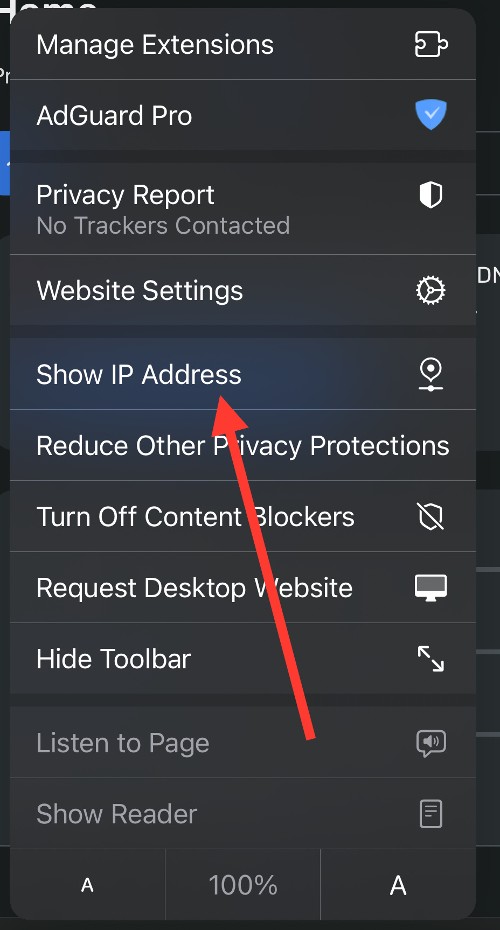
adguard.com으로 위 과정을 반복하세요.
Mac의 경우:
adguard-dns.io로 이동하세요.Safari에서 보기 → 새로고침 및 IP 주소 표시를 선택하세요.
adguard.com으로 위 과정을 반복하세요.
If you can’t see the option to temporarily allow a website to see your IP address, update your device to the latest version of iOS, iPadOS, or macOS, then try again.
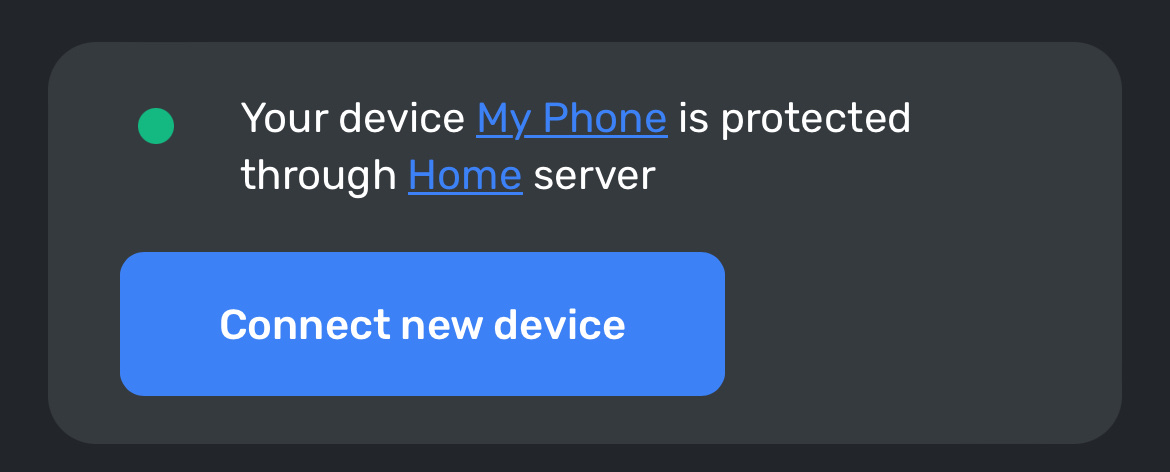
이제 AdGuard DNS 상태창에 기기가 올바르게 표시될 것 입니다.
Mind that once you turn off Private Relay for a specific website, your network provider will also be able to see which site you’re browsing.