与 iCloud 专用代理同时使用
When you’re using iCloud Private Relay, the AdGuard DNS dashboard (and associated AdGuard test page) will show that you are not using AdGuard DNS on that device.
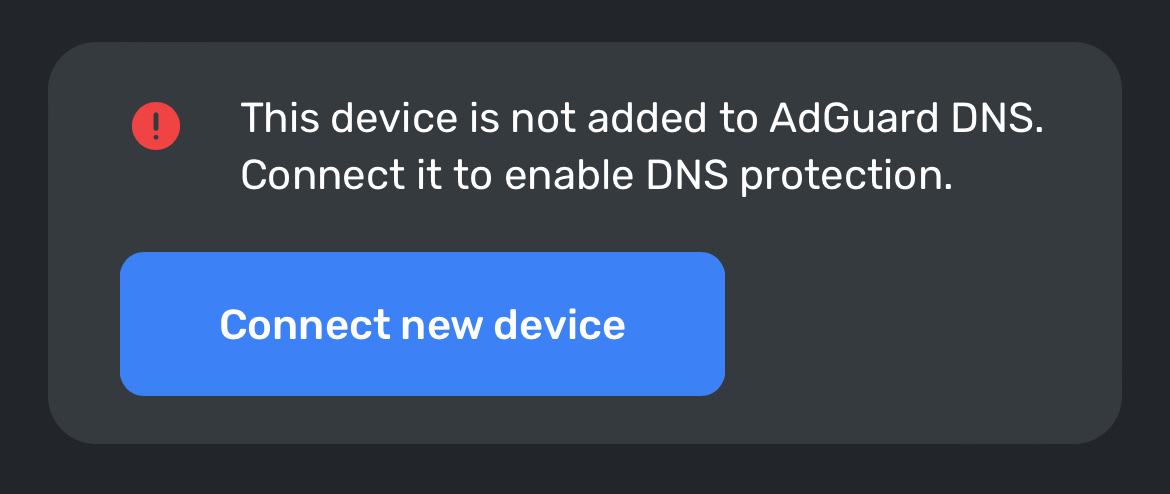
To fix this problem, you need to allow AdGuard websites see your IP address in your device’s settings.
iPhone 或 iPad:
转到
adguard-dns.io点击「页面设置」,然后点击「显示 IP 地址」
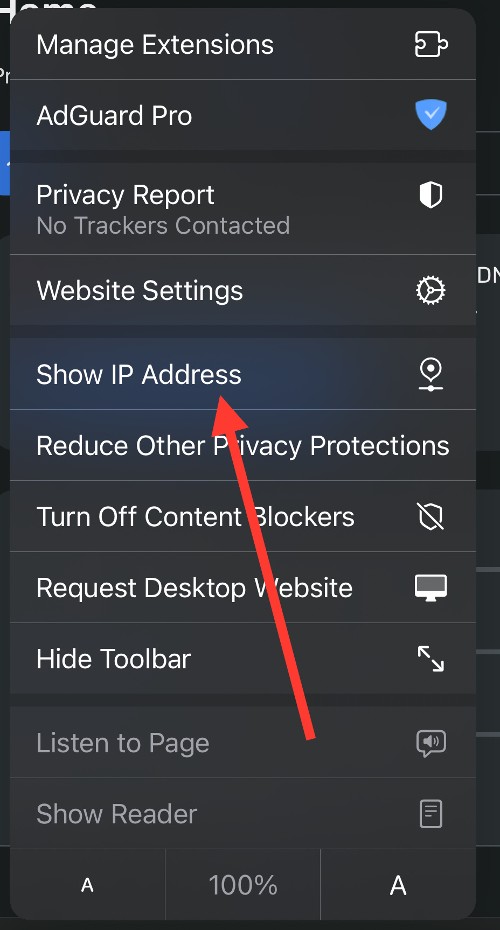
对
adguard.com重复上述操作
Mac:
转到
adguard-dns.io在 Safari 中,选择「查看」→「重新加载并显示 IP 地址」
对
adguard.com重复上述操作
If you can’t see the option to temporarily allow a website to see your IP address, update your device to the latest version of iOS, iPadOS, or macOS, then try again.
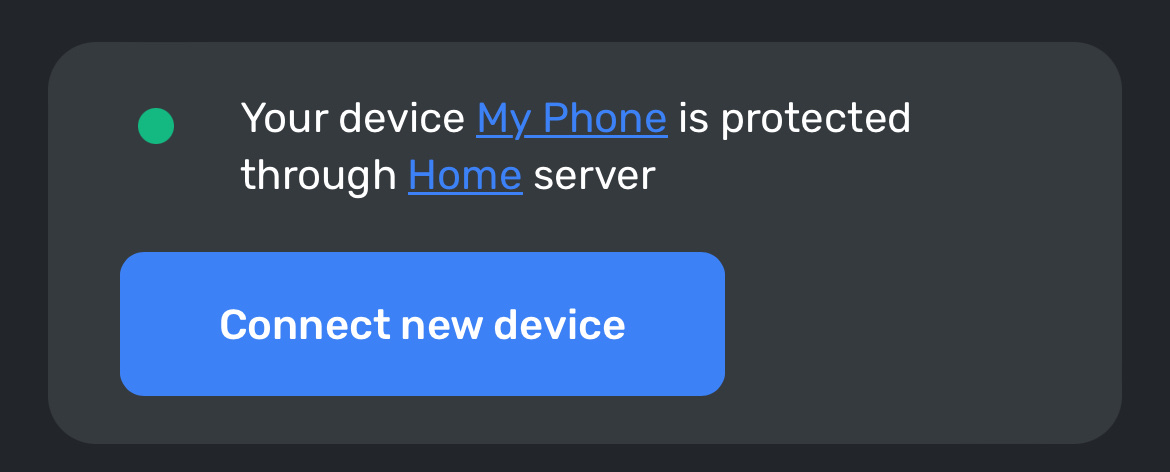
现在您的设备应该正确显示在 AdGuard DNS 仪表板中:
Mind that once you turn off Private Relay for a specific website, your network provider will also be able to see which site you’re browsing.