ブロックリスト
ブロックリストとは
ブロックリストは、広告やプライバシーを侵害する可能性のあるコンテンツをフィルタリングするために、AdGuard DNS が使用するテキスト形式ルールのセットです。 一般的にフィルタは、同じような焦点を持つルールで構成されます。 たとえば、ウェブサイトの言語に対するルール(例:ドイツ語やロシア語フィルタなど)や、フィッシングサイトから保護するルール(フィッシングURLブロックリストなど)があります。 フィルタというグループになっているこれらのルールを、グループとして簡単に有効または無効にできます。
ブロックリストはどう役に立つのか
ブロックリストは、フィルタリングルールを柔軟にカスタマイズできるように設計されています。 例えば、特定の言語地域の広告ドメインをブロックしたい場合や、トラッキングや広告ドメインを排除したい場合などがあったりします。 ぜひお好みのブロックリストを選択し、フィルタリングをニーズに応じてカスタマイズしてください。
AdGuard DNS でブロックリストを有効化する方法
【ブロックリストを有効化する方法】
- 「ダッシュボード」を開きます。
- 「サーバー」セクションに移動します。
- 必要なサーバーを選択します。
- 「ブロックリスト」をクリックします。
ブロックリストの種類
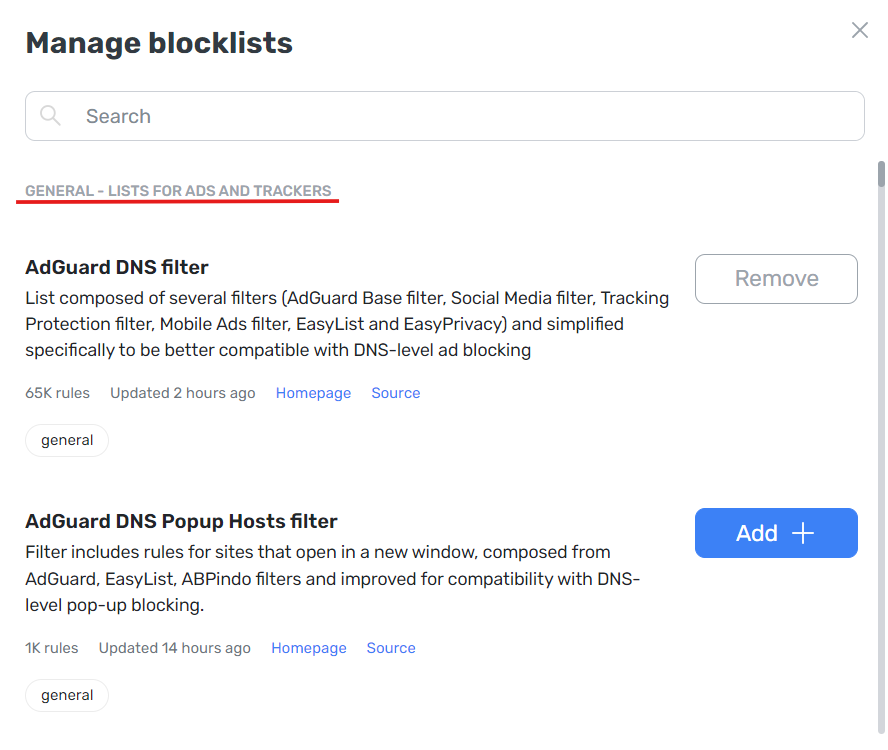
一般
広告やトラッキングドメインをブロックするリストを含むフィルタグループです。
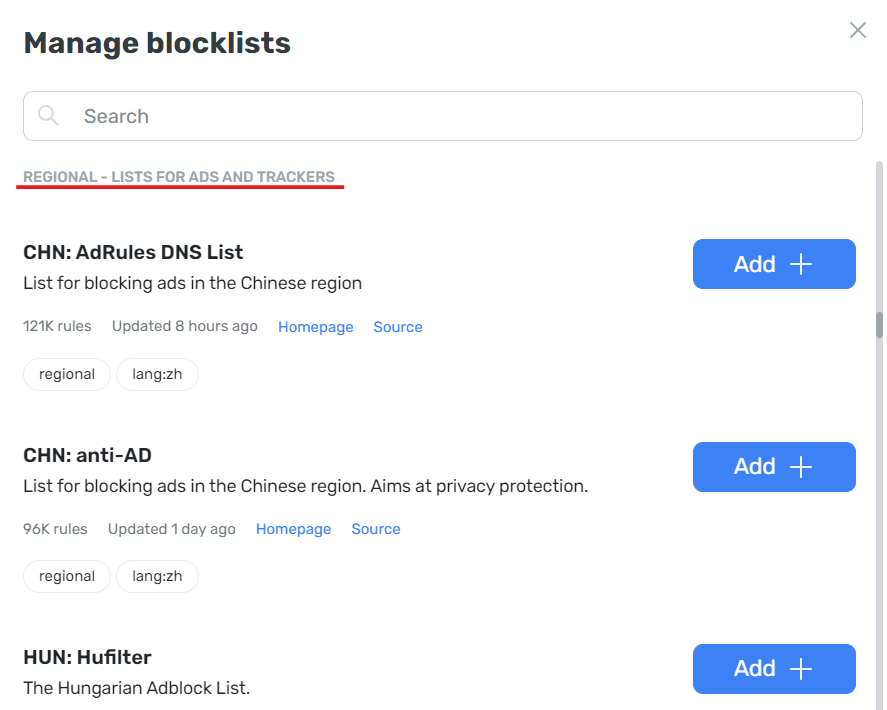
地域特化
特定の言語のドメインをブロックするための地域リストで構成されたフィルタグループです。
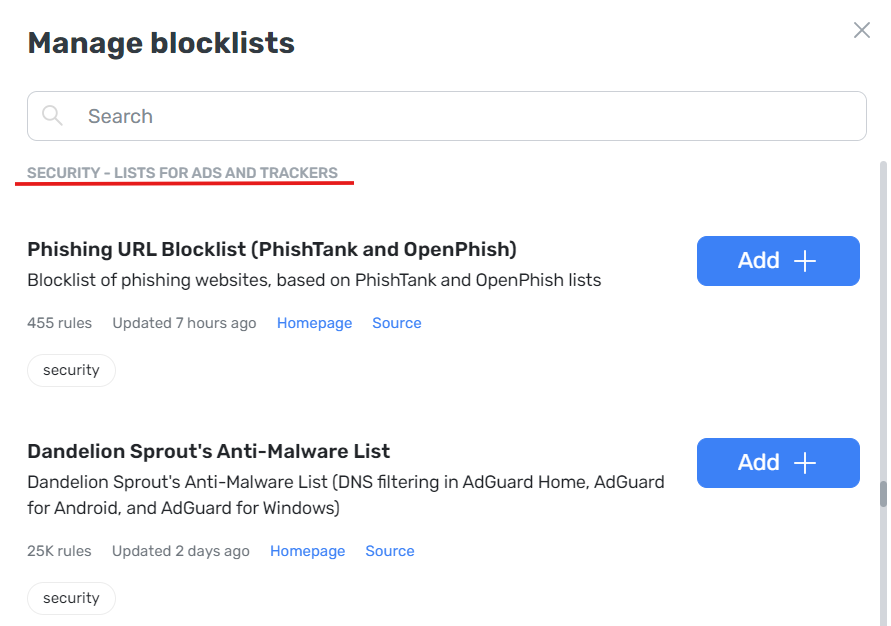
セキュリティ
詐欺サイトやフィッシングドメインをブロックするためのルールを含むフィルタグループです。
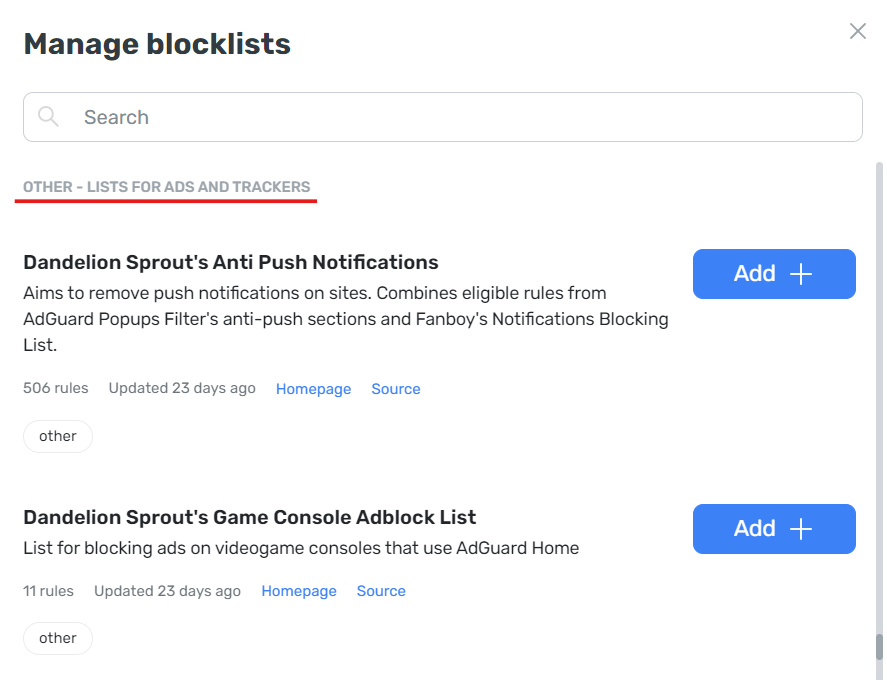
その他
サードパーティの開発者からのさまざまなブロックルールを持つブロックリストです。
フィルタを追加する方法
AdGuard DNS フィルタのリストを拡張したい場合は、GitHubのHostlistsregistryの該当セクションで追加のリクエストを送信することができます。
リクエストを送信する方法:
- 上記のGitHubリンクにアクセスします(GitHubへの登録が必要な場合があります)。
- 「New issue」をクリックします。
- 「Blocklist request」をクリックし、フォームに記入します。
- フォームに記入したら、「Submit new issue」をクリックします。
If your filter’s blocking rules do not duplicate the existing lists, it will be added to the repository.
ユーザールール
独自のブロックルールを作成することもできます。 詳細は、こちらのユーザールールに関する記事でご確認ください。
Custom blocklists
If you need any specific blocklist to be added to AdGuard DNS, you can download it via URL.
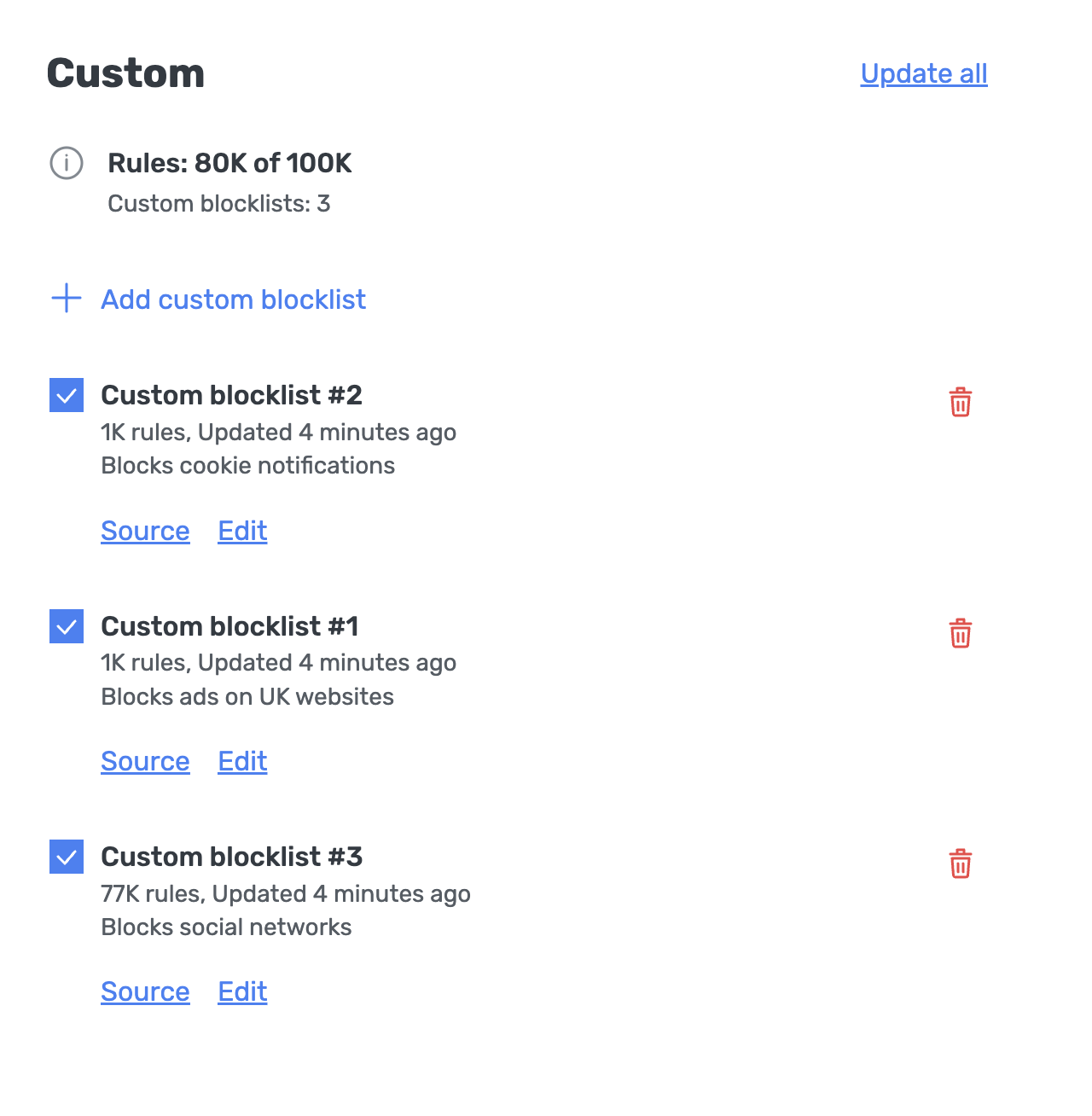
- Open the dashboard and click Servers in the left-hand menu
- Select My server → Blocklists
- In the Custom section, click Add custom blocklist
- Enter the blocklist name, its URL, and an optional description, then click Add
Each subscription plan has a limit on the total number of filtering rules: Personal — 1K, Team — 5K, Enterprise — 100K. This limitation is in place because blocklists are downloaded to DNS servers, and allowing unlimited blocklist sizes could lead to server overload, potentially causing performance issues.
If a custom blocklist surpasses the limit, it will be disabled automatically, and you’ll see a corresponding notification. To enable a newly added blocklist that exceeds the rule limit, you’ll need to either remove other blocklists or upgrade to a plan with a higher rule limit.